


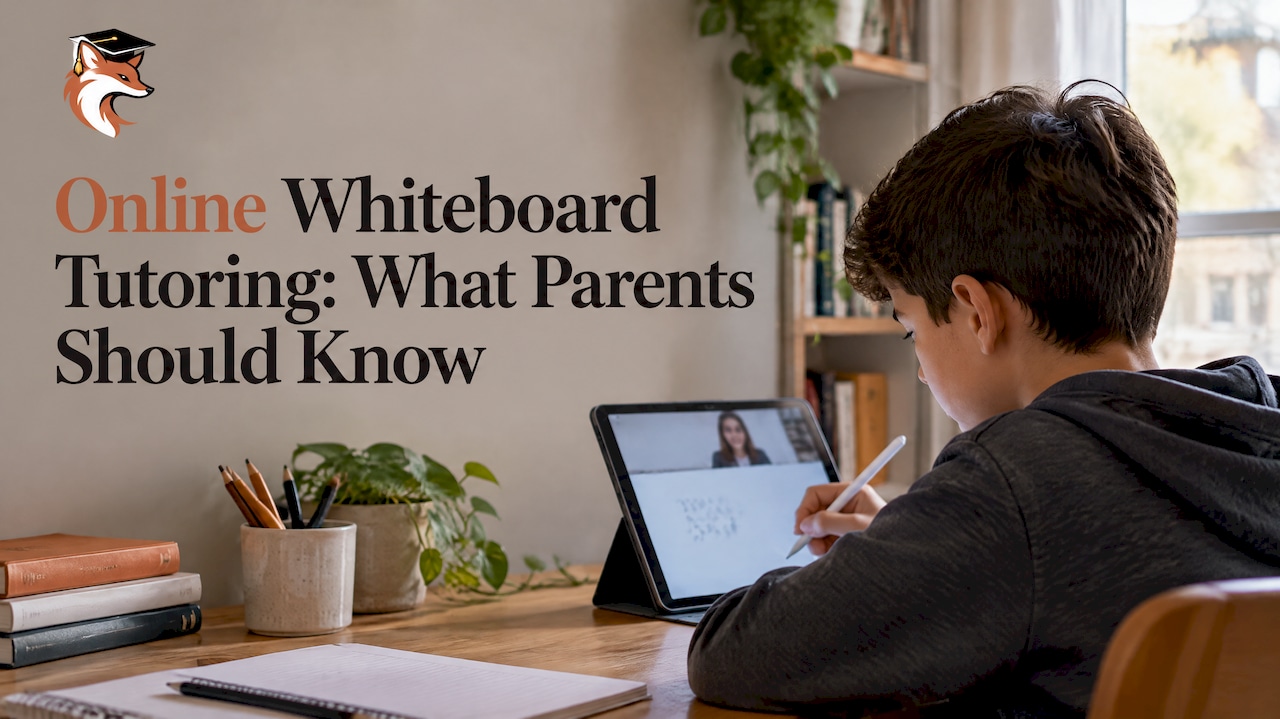
Online whiteboard tutoring means your child and a tutor work on the same digital page at the same time, writing, drawing and moving things around while they talk over video. For math, it is the closest thing to sitting side by side at the kitchen table. For French, it lets a tutor annotate a sentence live and show a student exactly where a verb agreement went wrong. The tool matters, but what you should look for first is the tutor behind it, the plan for your child and how your child’s data is handled.
This guide explains how a good whiteboard session runs, what a shared board can and cannot do, the privacy questions worth asking, and what to expect from tutoring in Quebec.
TL;DR
- A shared whiteboard lets tutor and student solve math problems and mark up French texts together in real time, so the child is doing the work rather than watching.
- The board is a vehicle. Results come from a tutor who adapts the pace to your child and a plan built around their strengths and gaps.
- Before a first session, ask what student data the platform collects and whether your child can log in without using their full name.
- At Réussite A+, sessions are $30 to $35 per hour, with a one-time registration fee of $65 and a refund of the first session if you are not satisfied.
- Short, regular sessions usually work better than one long weekly marathon, especially for younger children.
Table of Contents
- What a whiteboard session actually looks like
- Why a shared board helps, especially in math
- The board is not the tutoring
- Privacy: the question most parents forget to ask
- What your child needs at home
- How long and how often?
- Perspective: why we use a whiteboard, and why we never rely on it alone
- Choosing a tutor: what to check
- Making the most of each session
- Tutoring in Quebec: math, French and exam preparation
- Costs and how to get started
- FAQ
- Sources
What a whiteboard session actually looks like
Picture a Secondary 2 student working on solving an equation. The tutor opens a shared board and writes the first line. The student writes the next step with a stylus, a finger or a mouse. If they make a sign error, the tutor does not just say “no”. They circle the line, ask the student to explain what they did, and let them find the mistake themselves. Both people can see every step, and nothing is lost when the session ends: the board can be saved and reviewed before the next one.
A typical session has a simple rhythm:
- Warm-up (5 to 10 minutes). The student redoes a problem from last time, from memory, on a blank board.
- Targeted work. The tutor introduces the concept or skill the learning plan calls for, with a worked example.
- Guided practice. The student takes over the pen. The tutor intervenes only when needed.
- Wrap-up. Together they note what went well and what to revisit, and the tutor sets a short task for the days between sessions.
If you want a fuller walk-through of what happens on screen, from connecting to the final recap, see our complete guide to how an online tutoring session works.
Why a shared board helps, especially in math
Research on interactive whiteboards in math classrooms points to a few concrete benefits. A Canadian thesis on the role of gesture in a whiteboard-mediated math classroom looks at how pointing, moving and manipulating objects on the board supports mathematical thinking. In plain terms, when a child can drag a fraction bar, rotate a shape or resize a graph, the idea becomes something they do rather than something they watch.
In practice, we see this help in several ways:
- Visual steps. Long division, factoring and multi-step word problems are easier to follow when every line stays on screen.
- Virtual manipulatives. Number lines, fraction models, grids and geometric shapes can be moved by both tutor and student.
- Shy students. A child who goes quiet on a video call often becomes more active once they have a pen in hand. Writing is a lower-pressure way to answer than speaking.
- Instant feedback. The tutor sees the reasoning, not just the answer, and can correct the method before a habit forms.
A whiteboard also works for French. A tutor can paste a short paragraph, highlight the conjugated verbs in one colour and the subjects in another, and ask the student to draw the arrow from one to the other. That is the kind of démarche that helps a child stop guessing at agreements and start checking them. Our approach to hunting down mots-pièges (trap words) in instructions and texts is much easier to teach with a shared page than over voice alone.
The board is not the tutoring
It is tempting to shop for tutoring by comparing tools: which has the nicest pens, the biggest canvas, the best equation editor. Those features are worth a quick look, but they are not what moves a grade.
The Government of Quebec describes tutoring in its programme de tutorat as a way to adjust teaching and learning to students’ varied and changing needs. That is different from homework help, which is often a one-off answer to tonight’s assignment. Real tutoring is continuous and personalized. The tutor notices that your child rushes through the last step, or freezes on word problems, or confuses a and à, and adapts the pace and the material accordingly.
The same logic applies to whiteboards. A tool can display a problem. Only a tutor can tell that a student’s silence means confusion rather than confidence, and slow down. When you evaluate a tutoring service, ask these questions before you ask about software:
- Will my child work with the same tutor from week to week?
- Is there a written plan that reflects my child’s strengths, difficulties, pace and goals?
- How will I see progress, and how often?
- What happens if the fit is not right?
Privacy: the question most parents forget to ask
Whiteboard tools are often free or look very simple. That is not the same as harmless. In October 2025, Canada’s privacy commissioners and their provincial and territorial counterparts adopted a joint resolution on protecting children’s privacy when educational technology is used. It asks that EdTech be assessed for necessity, security and privacy by default before it is chosen, and it points toward protective practices such as pseudonyms and generic logins for students. It also warns that the data some tools gather, including behavioural data and learning patterns, may go beyond what a child’s learning actually needs.
That resolution is addressed mainly to schools and decision-makers, but its questions are just as useful for a parent choosing a tutor. A short checklist:
- Does my child need an account with their full name? A first name or a nickname is often enough.
- What does the platform collect besides what is written on the board? Ask about recordings, usage tracking and analytics.
- Are sessions recorded? If so, who can view the recordings, and for how long are they kept?
- Can the data be deleted? A clear retention and deletion policy is a good sign.
- Is the board accessed by an invitation link or by a login? Links should not be posted publicly or shared on social media.
At home, you can add a few simple habits: join the first session to see how it works, use a household device rather than a school-issued one for private tutoring, and remind your child not to write their address, school or full name on the board. If you have concerns about how a specific platform handles personal information, you can raise them directly with the provider before you start.
What your child needs at home
The equipment is modest. Most families already have what they need.
| Item | Good enough | Better |
|---|---|---|
| Device | Laptop or desktop with a webcam | Tablet with a stylus, plus a laptop for video |
| Writing | Mouse or trackpad | Stylus or drawing tablet: handwriting is faster and easier to read |
| Sound | Built-in microphone | Headphones with a microphone, which reduce echo and distractions |
| Space | A quiet corner | A table with good light, notebook and pencil nearby |
| Connection | Stable home Wi-Fi | Wired connection or a spot near the router |
A practical tip: for math, many students think better on paper than on screen. Ask your child to keep a notebook beside the device and copy the key steps by hand. The board is for working together; the notebook is for remembering.
How long and how often?
Focus is the limit, not the tool. The Government of Quebec’s tutoring program guidance describes sessions of roughly 20 to 90 minutes depending on age, with shorter and more frequent sessions for younger children, and it points to at least three sessions a week for students who need significant support. That guidance is written for the school-based program, so treat it as a reference point rather than a rule for every family. Most families will land on a lighter schedule, one or two sessions a week, and increase during exam periods.
A few rules of thumb:
- Younger elementary students: short sessions, with a movement break and plenty of hands-on activity on the board.
- Upper elementary and early secondary: 45 to 60 minutes is often comfortable if the tutor varies the activities.
- Exam preparation: a more frequent schedule over the weeks before the exam works better than cramming.
We go deeper on this in our article on how many hours of tutoring to expect depending on your child’s age.
Perspective: why we use a whiteboard, and why we never rely on it alone
We have been supporting students for more than 25 years, and we have helped more than 3,500 of them. The shift to online sessions did not change what works. A child learns when someone pays close attention to how they think, and when the work is pitched at the right level.
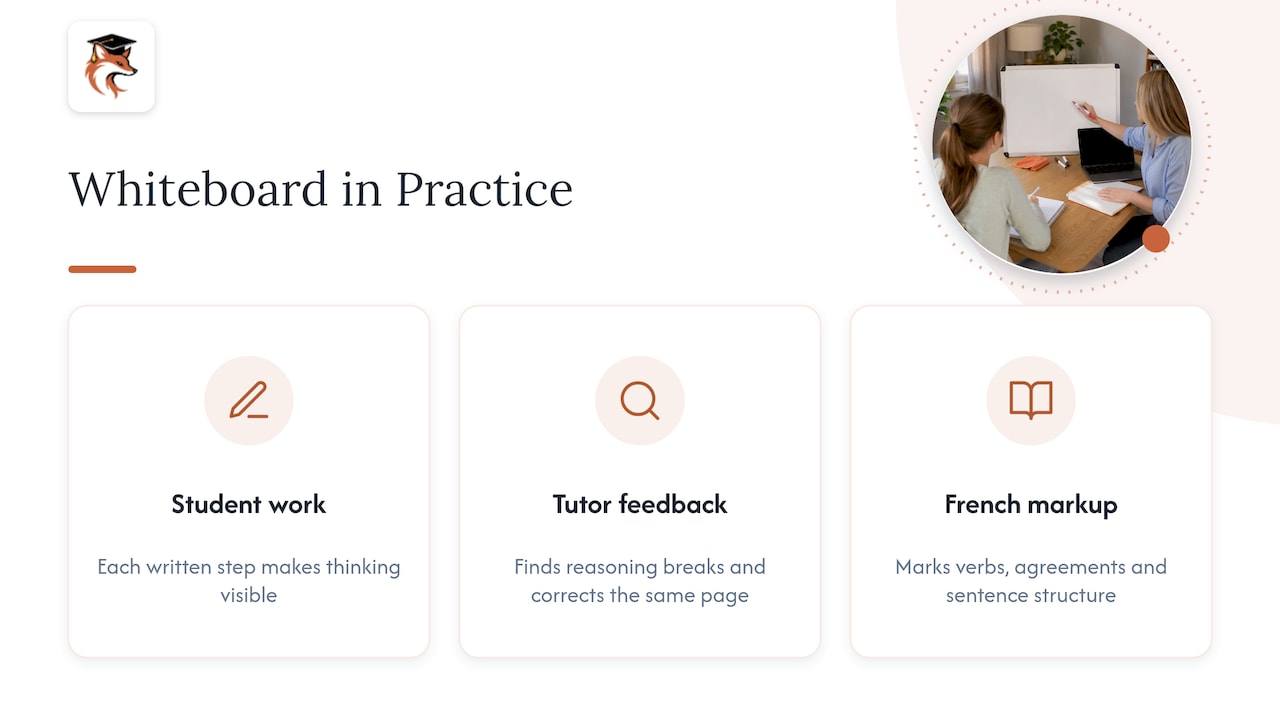
The whiteboard earns its place because it makes thinking visible. When a student writes out each step, we can see where the reasoning breaks. When we correct it on the same page, the student sees the fix in context. For French, a shared text lets us mark up verbs, agreements and sentence structure without ever making the child feel singled out.
But we are careful not to oversell it. A beautiful board and a tutor who does not know your child will not help. That is why every student at Réussite A+ starts with a personalized learning plan built around their strengths, challenges, pace and goals, and why our tutors are selected from university programs for their academic excellence and their ability to teach. We monitor progress continuously and share it with parents, so you are never guessing whether it is working.
We also choose our tools with care for children’s data, because ease of use should never come before protecting a young learner’s information. And we believe in making the first step easy: if you are not satisfied after the first session, we refund it.
— Réussite A+
Choosing a tutor: what to check
Whatever service you consider, use the same criteria. This table can help you compare options by type: a private tutor found through a community board, a tutoring centre with online sessions, a self-paced app, or a dedicated online tutoring service.
| Criterion | What to look for |
|---|---|
| Personalization | A written plan based on an initial assessment, not a generic course |
| Tutor quality | Selection process, university-level training, teaching ability |
| Continuity | The same tutor over time, so they know your child |
| Progress tracking | Regular updates you can actually read |
| Privacy | Clear answers on data collection, recordings and deletion |
| Price clarity | Hourly rate and any registration fees stated up front |
| Flexibility | Evening and weekend slots that fit your family |
| Guarantee | What happens if the first session is not a good fit |
Self-paced apps can be useful for extra practice, but they do not replace a person who notices when a child is stuck. If you are weighing online against having someone come to your home, our comparison of home tutoring versus online tutoring sets out the differences.
Making the most of each session
Parents often ask what they can do to help without hovering. These small habits make a real difference:
- Share the context. Before the first session, tell the tutor what the teacher has said, what recent grades look like and what your child finds frustrating.
- Set one goal per week. “Be comfortable with fractions” is better than “get better at math”.
- Let your child lead. Resist the urge to answer for them. Struggle with support is where learning happens.
- Ask for a short recap. A two-line summary after each session keeps everyone on the same page.
- Celebrate the small wins. A calm, positive tone matters. Many students who dread math become more willing once they feel they can succeed.
If your child is a bit shy on camera, tell the tutor. Starting with a game-like warm-up on the board, such as a quick puzzle or a drawing task, can help a hesitant student relax.
Tutoring in Quebec: math, French and exam preparation
Families across Montreal, Laval, Longueuil, Brossard and the rest of Quebec reach us for a few common reasons. Some children need to catch up after a difficult term. Some need targeted help in French, where grammar rules and writing expectations can feel overwhelming. Others are preparing for secondary school entrance exams, where knowing the format and practicing under timed conditions matters as much as content.
Here is how the whiteboard supports each:
- Math. Step-by-step problem solving, graphs, geometry and visual models. Our math courses cover elementary and secondary levels.
- French. Annotating texts, building sentences, verb conjugation and error-spotting. See our French tutoring programs.
- Exam preparation. Timed practice, simulated exams and review of mistakes. Our page on exam simulations explains why they matter, and our high school entrance exam plan breaks the preparation into stages.
- Summer. A less pressured time to rebuild foundations before the next school year, with our summer session.
Costs and how to get started
Our sessions are $30 to $35 per hour, whether you choose a regular session, exam preparation, the summer session or tutoring with homework help. There is a one-time registration fee of $65. If you are not satisfied with the first session, we refund it.
Getting started is straightforward:
- Fill in the registration form and tell us about your child’s level, subjects and goals.
- We match your child with a tutor and build the learning plan.
- Your child joins the first online session, with the whiteboard and a notebook ready.
- We review progress with you and adjust the plan as needed.
If you want to see the details of our year-round option first, our regular session page explains the format, schedule and what is included. For families who want to follow progress closely, we also wrote about how online tutoring helps parents monitor their children’s progress.
FAQ
Is a whiteboard better than just talking over video?
For math, usually yes. Seeing every step written down lets the tutor spot errors in method, not just in answers. For younger children, the ability to draw, move and manipulate objects also keeps attention up. The value still depends on the tutor guiding the work.
Do we need to buy a tablet?
No. A laptop with a webcam and a stable connection is enough to start. A tablet with a stylus makes handwriting easier, which many students appreciate in math, but it is optional. A notebook and pencil beside the screen are just as useful.
Is a free online whiteboard safe for my child?
It depends on what the tool collects and keeps. Canada’s privacy commissioners have urged careful assessment of educational technology, including favouring pseudonyms and generic logins. Ask the tutor or provider what data is gathered, whether sessions are recorded and how data is deleted before your child starts.
How often should my child have a session?
It depends on age and need. Quebec’s tutoring program guidance suggests shorter, more frequent sessions for younger students, and at least three a week for those who need significant support in that school-based program. Many families start with one or two sessions a week and add more before exams. We can recommend a schedule after assessing your child’s needs.
What if my child does not click with the tutor?
Tell us after the first session. We refund the first session if you are not satisfied, and a good match matters more than any tool. We would rather adjust early than have your child lose confidence.
Sources
- Programme de tutorat, Gouvernement du Québec
- Protecting the privacy of children and youth through responsible use of educational technologies in the classroom, Office of the Privacy Commissioner of Canada
- Beyond talking with our hands: the role of gesture in an IWB mediated mathematics classroom, Library and Archives Canada